Welcome to Digital Bahi
Digital Bahi is a comprehensive business management, inventory, and double-entry accounting solution designed specifically for Mandi traders, grain merchants, and commission agents (Arhtiyas). It supports bilingual operation in English and Hindi across your entire workflow.
How to use this documentation
This documentation is organized into sections that match the natural flow of your Mandi business. Whether you are setting up your workspace for the first time, onboarding operators, or reviewing statements with your accountant, you will find step-by-step task guides for every feature.
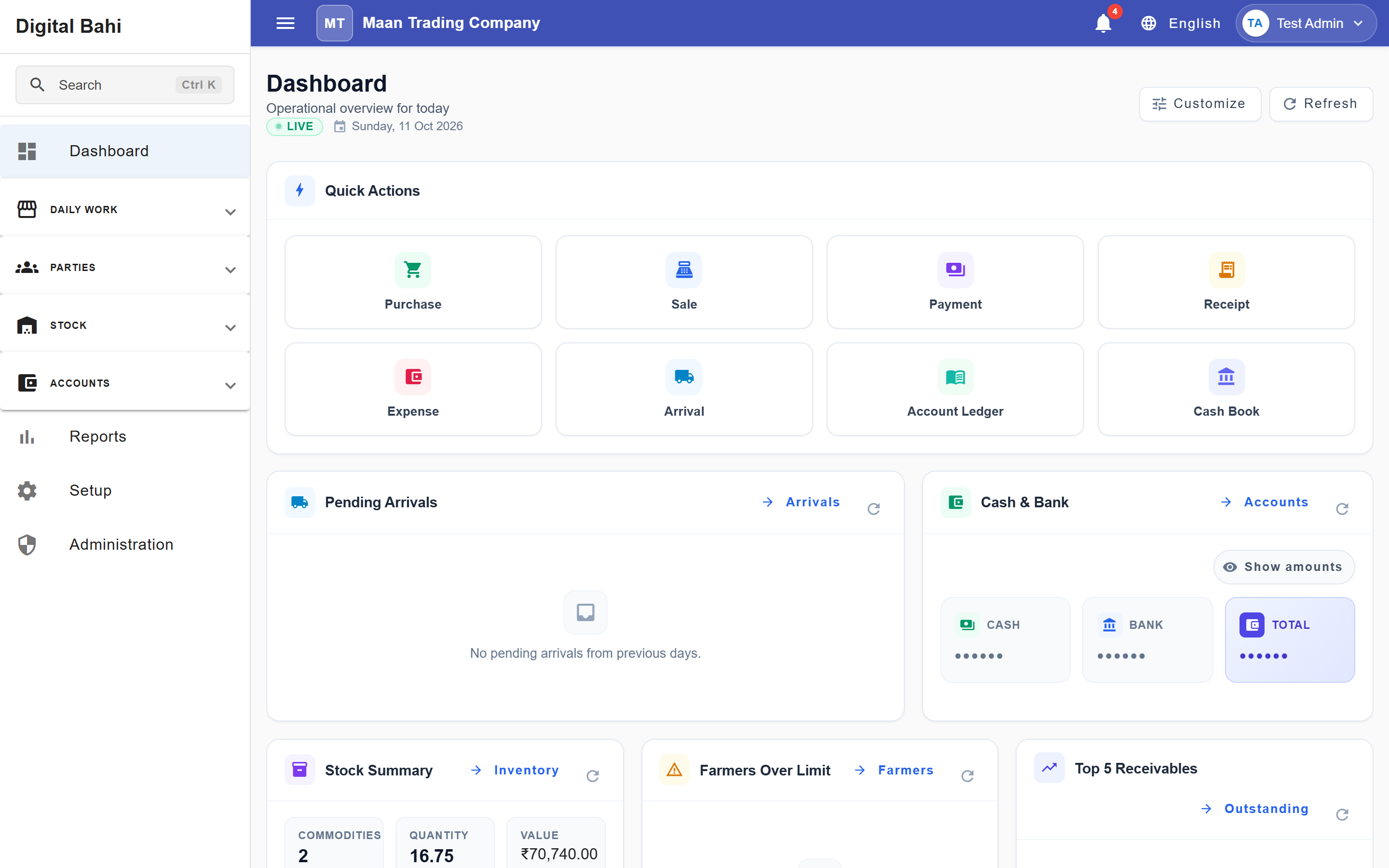
Recommended workflow
If you are new to Digital Bahi, follow this sequence to get your business running smoothly:
1. Sign In & Initial Setup
Configure the core foundations of your business:
- If you do not yet have a workspace, follow Register Your Business. Existing Owners can use the same guide to add another business.
- Review Access and Sign In to sign in, select your business workspace, and understand notifications.
- Use the guided Setup Center and First-Day Setup Checklist to complete your Business Profile, Financial Year, and GST Configuration.
- Set up staff accounts and permissions under Users and Roles & Permissions.
2. Prepare your Masters
Define what you trade, who you trade with, and how your accounts are structured:
- Import or create your Commodities and verify your Charges.
- Add your Bank Accounts and review your Accounting Masters & Opening Balances.
- Add your Farmers (with Farmer 360 views) and Buyers (with Party 360 views).
3. Initialize Inventory
If you are migrating from paper bahis or another software, record the physical stock currently held in your godowns:
- Record your Opening Stock, or mark Opening Stock as Not Applicable in the Setup Center if you are starting without carryover stock.
4. Start Daily Business
Record your daily Mandi and trading operations:
- Log incoming farmer produce via Arrival and record actual bags and weight in Tulai in an Arrival.
- Generate bills via Purchase (Arrival-Linked) or Manual Purchase.
- Dispatch stock and print tax invoices via Sale.
- Settle accounts and manage money movement through Settlement, Payment, Receipt, and Expenses.
5. Review Accounting, GST, and Reports
Monitor your financial health, stock valuation, and tax compliance:
- Check statements and running balances in the Party & Farmer Ledger, Day Book, Cash Book, and Bank Reconciliation.
- Review financial statements in Trial Balance, Profit & Loss, and Balance Sheet.
- Reconcile and prepare tax returns using GST Reports, GSTR-2B Reconciliation, GST Returns & Liability, and the Reports Centre.