GST Reports
Digital Bahi automatically generates standard GST reports based on your recorded Sales and Purchases under Reports > GST Tax, helping your accountant and CA prepare for monthly return filing.
Available Reports
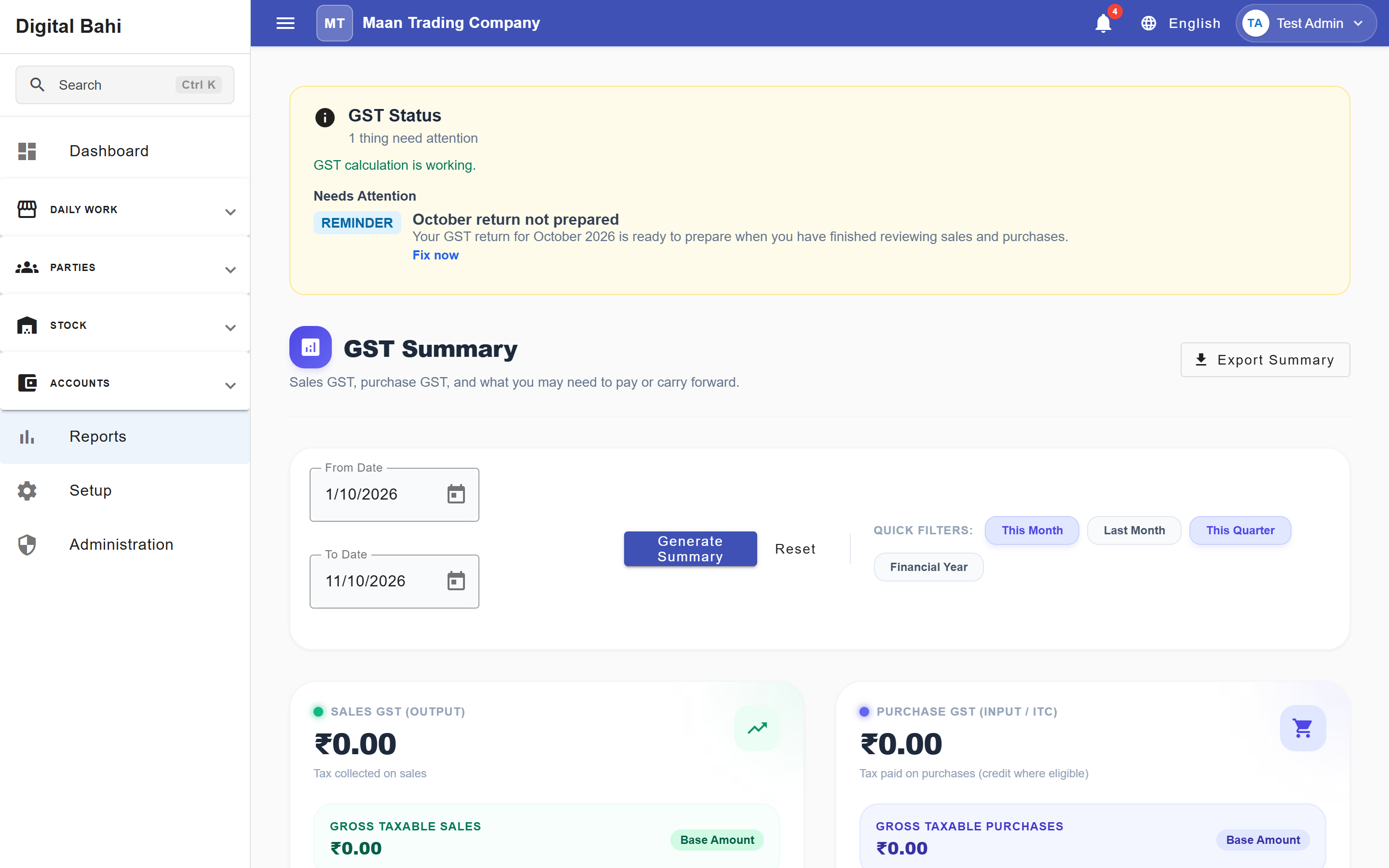
- GST Summary (
/reports/gst/summary): Displays top-level KPI cards (Output GST, Input GST (ITC), Net GST Payable, and ITC Carry Forward) along with an HSN / Rate Breakdown and Output vs. Input GST tables. - GSTR-1 Preparation (
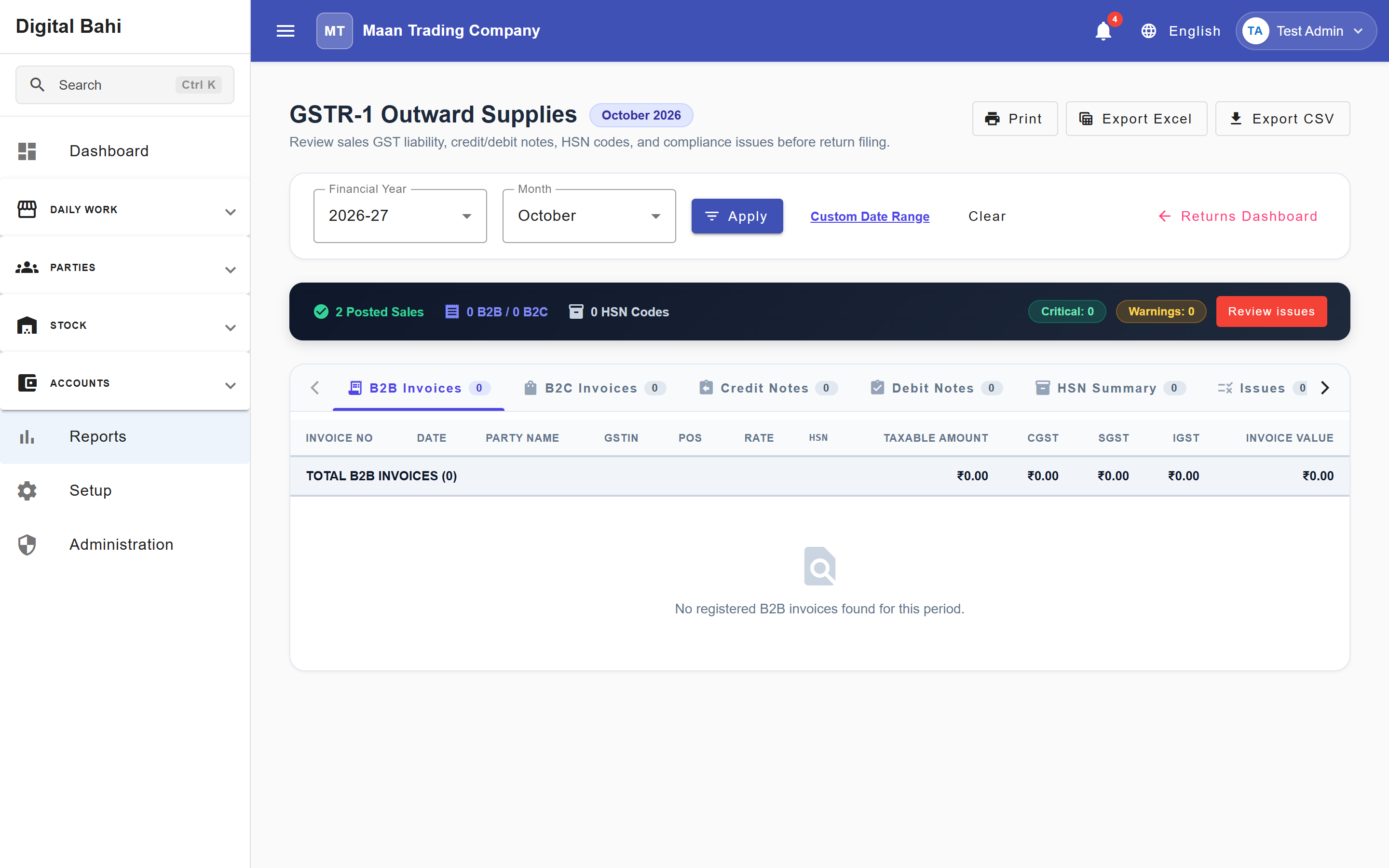
/reports/gst/gstr1): Summarizes your outward supplies (B2B Invoices, B2C Summary, and HSN Summary) with Export CSV and Export JSON actions. - GSTR-3B Preparation (
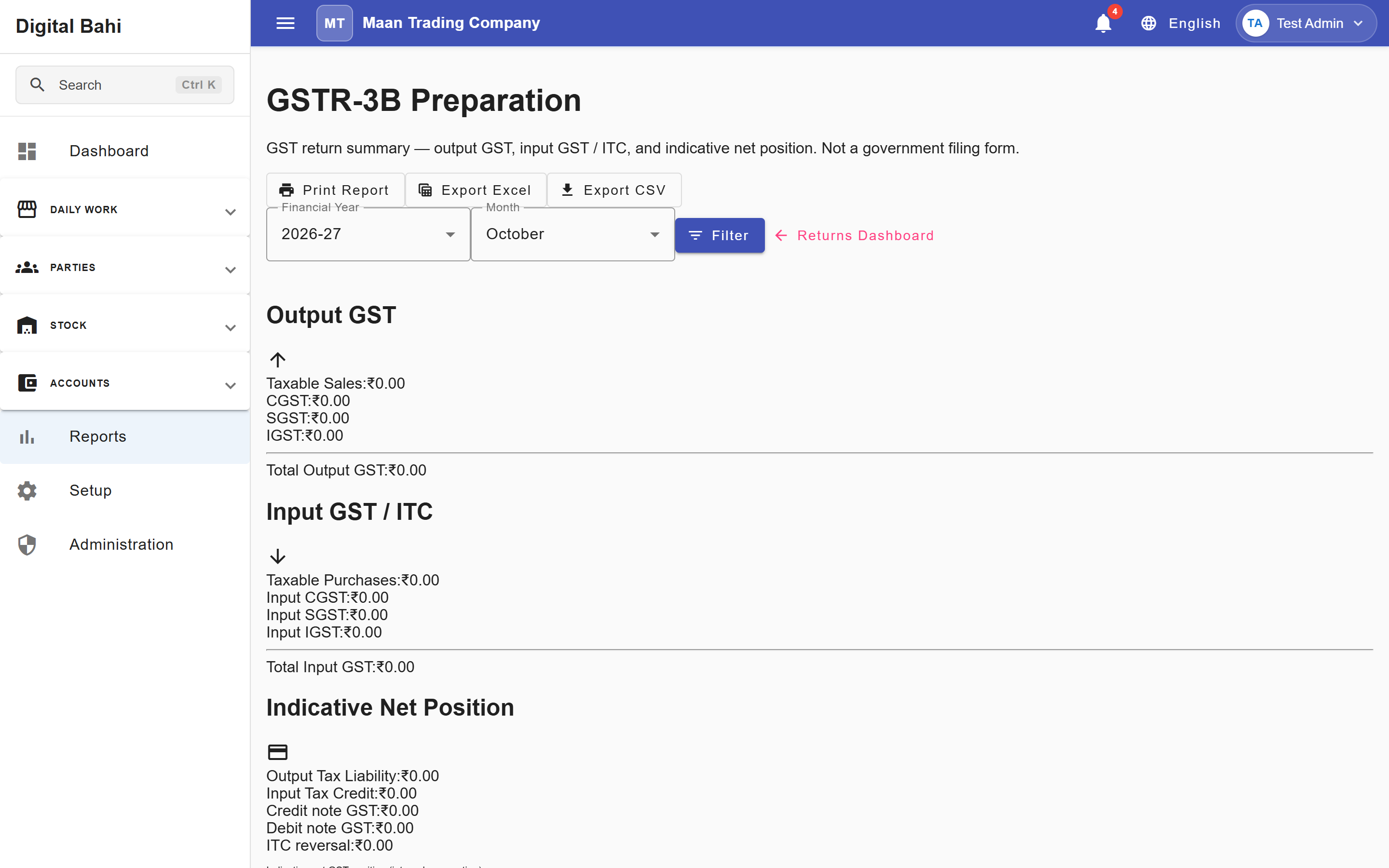
/reports/gst/gstr3b): Summarizes outward taxable/exempt sales, inward Input Tax Credit (ITC), and your indicative net GST position for the selected month. - HSN Summary (
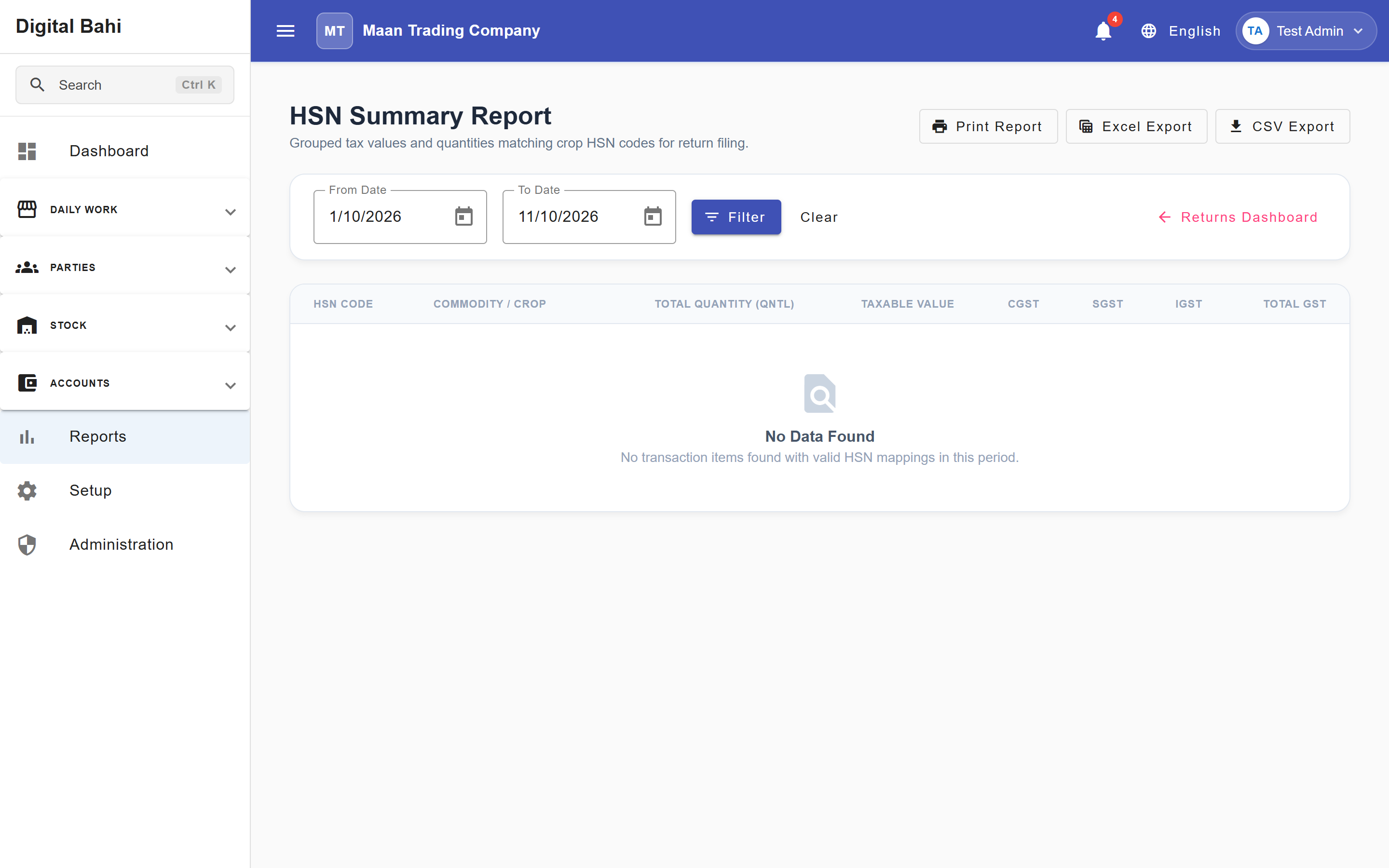
/reports/gst/hsn-summary): Aggregates outward and inward transaction volumes and tax amounts grouped by the HSN/SAC codes of your commodities.
How to use GST Reports
- Open Reports (
/reports) and scroll to the GST Tax section. - Select the specific report you want to view:
- For GST Summary, GSTR-1, or HSN Summary, select the Start Date and End Date (or quick presets Today, Yesterday, This Week, This Month) and click Load / Apply Filters.
- For GSTR-3B, select the Financial Year and Month and click Load.
- Review the aggregated data tables and tabs.
- Use Export CSV, Export JSON (on GSTR-1), or Print to save the report data for your CA.
Common Columns
While each report is formatted for its specific return schedule, you will typically see:
- Taxable Value: The core financial value of the goods traded before tax is applied.
- CGST / SGST / IGST: The specific tax amounts calculated by Digital Bahi for intra-state (
CGST + SGST) or inter-state (IGST) transactions. - Invoice / GSTIN Details: Invoice numbers, dates, and Buyer/Supplier GSTINs for B2B transactions.
Important Note
Digital Bahi prepares these reports based on the data you enter. It does not automatically submit returns to the government GST portal. Export the CSV/JSON schedules and work with your tax professional to complete your official filings.