GST Overview
Digital Bahi helps you track, reconcile, and report the Goods and Services Tax (GST) associated with your daily trading operations.
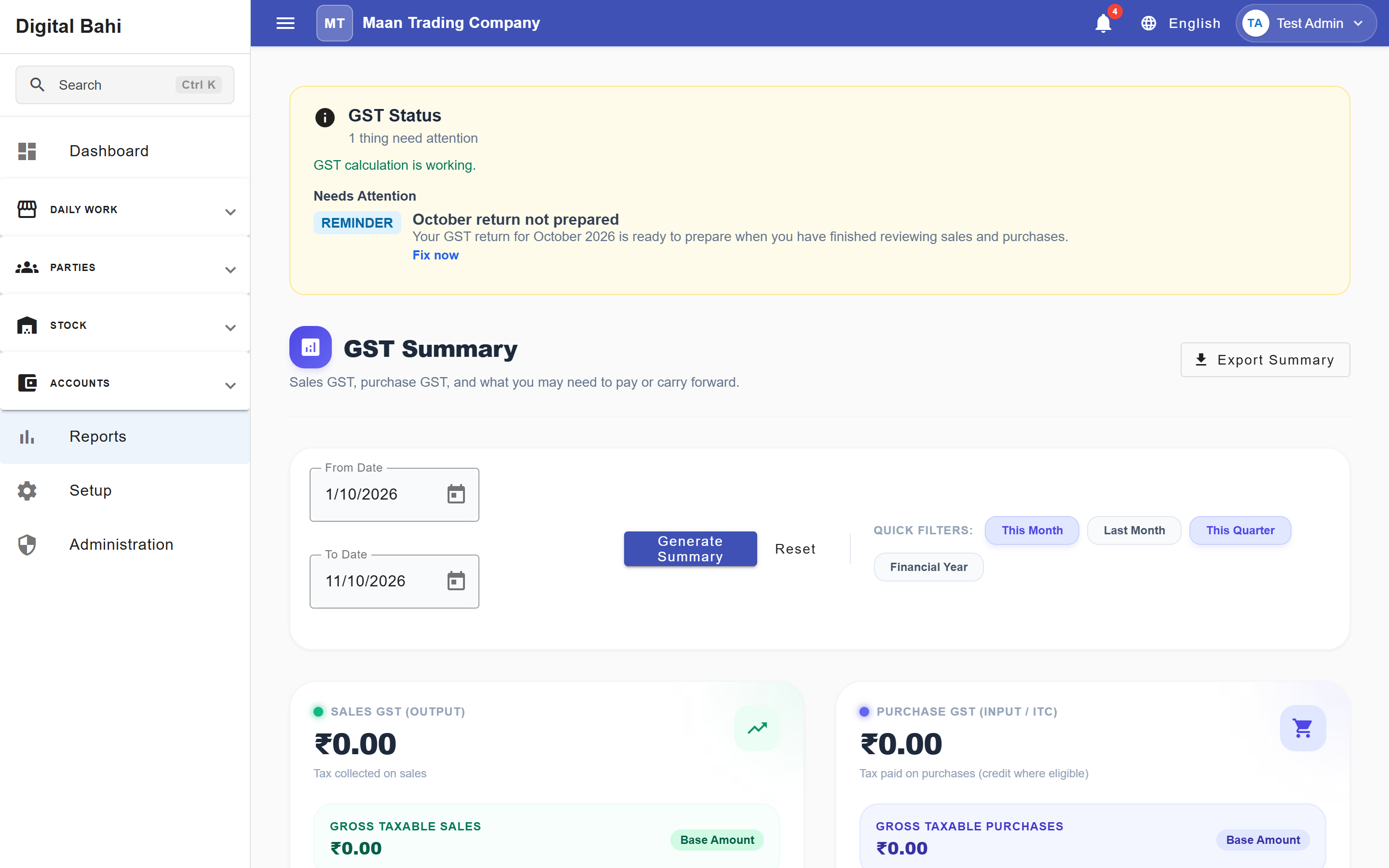
How GST works in Digital Bahi
Digital Bahi calculates and reports GST based entirely on the tax configuration and transaction data you enter in the system. It does not automatically assume taxability; you must configure your masters correctly.
The data flows through the system in three steps:
- Configuration: You define your business GSTIN in Business Profile and configure applicable HSN/SAC codes and tax rates in your Commodities and Charges masters (or look up platform rates via GST Setup).
- Transactions: When you record a Purchase or a Sale, the system reads those configurations and calculates the applicable CGST + SGST (intra-state) or IGST (inter-state) based on the party's state and the commodity's HSN tax rate.
- Reporting & Reconciliation: The calculated tax amounts from your saved transactions are automatically aggregated into the GST Tax reports under Reports (
/reports).
Important Disclaimer
This documentation explains how to operate the software. Digital Bahi is a tool to record your business data; it does not provide professional tax or legal advice. You are responsible for ensuring that your commodities are taxed at the correct rates and that your filings comply with local regulations. Always consult your CA or tax professional.
GST Features
1. Daily Business Calculations
During a Sale or Purchase, Digital Bahi displays the calculated GST amounts before you save the transaction, allowing you to verify the tax application.
2. GST Reports
Digital Bahi provides summary reports (GST Summary, GSTR-1, GSTR-3B, and HSN Summary) that aggregate your transaction data into the formats required for tax review.
3. GST Reconciliation
Digital Bahi offers both GSTR-2B Reconciliation (comparing your purchase bills against supplier JSON filings) and GST Ledger Reconciliation (comparing invoice-level GST totals against general ledger postings).
4. GST Return Workspace & Period Locking
Track monthly GSTR-1 and GSTR-3B preparation, run pre-filing compliance checks, record ARN filing numbers, and lock filed GST periods.